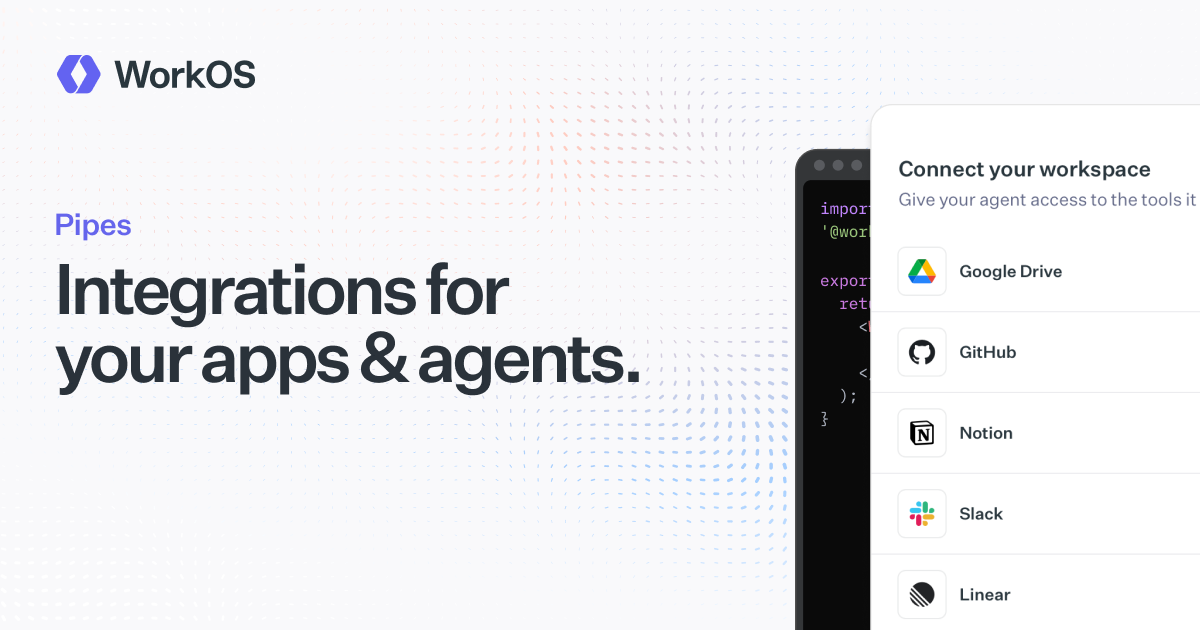
WorkOS has put a new product, Pipes, around a problem many app developers would rather not own: collecting, storing, refreshing, and revoking credentials for their users’ third-party tools.
The company describes Pipes as a managed integration layer. A developer drops a WorkOS widget into an app, the user authorizes a provider through OAuth, and WorkOS keeps the refresh token inside Pipes rather than handing it back to the customer’s application. The app later asks WorkOS for an access token using getAccessToken(), passing identifiers such as the provider, user, and organization.
That is the whole bet: WorkOS wants developers to treat third-party credentials as a service call instead of a secret they have to store, rotate, and explain during a security review. WorkOS says Pipes handles token expiry, refresh, and concurrent requests, then returns a current access token for the requested provider.
What Pipes actually changes
Most OAuth integrations make the developer responsible for the unpleasant middle bits. The user authorizes access, the app receives credentials, and the app’s backend has to store refresh tokens securely, track expiry, refresh tokens before jobs fail, and delete access when the user disconnects. That is easy to sketch on a whiteboard and annoying to maintain in production.
With Pipes, WorkOS says the refresh token remains in its infrastructure. Credentials are stored in WorkOS Vault, encrypted at rest with AES-256, and scoped to the user. WorkOS also says access can be revoked with a single API call, and that session-scoped credentials can expire automatically when a session ends.
The product supports OAuth and API-key based connections, according to WorkOS. The company lists more than 100 integrations in its documentation and shows provider examples including GitHub, GitLab, Bitbucket, DigitalOcean, Fly.io, Netlify, Jira, Linear, Snowflake, Sentry, Datadog, and Google Drive. WorkOS says developers can also connect custom apps and have Pipes handle them through the same model.
Agents are part of the sales pitch
WorkOS is also aiming Pipes at AI agent workflows, where a process may need to run for hours and continue using a user-approved connection after a human has left the loop. The company says Pipes can expose authorized tools through an MCP-native interface, giving an agent access to the same connections a user approved.
The security model WorkOS is claiming is scoped consent: the agent, like the application, can only use what the user granted. WorkOS says the same connection can serve both human-driven and agent-driven integrations, with token refresh handled by Pipes rather than the agent developer’s code.
Part of the broader WorkOS stack
Pipes sits alongside WorkOS products including Single Sign-On, Directory Sync, AuthKit, Audit Logs, Radar, Admin Portal, and Vault. WorkOS says customers use the same API key, dashboard, and compliance posture across those services.
The company also claims Pipes inherits the broader WorkOS compliance posture for SOC 2, HIPAA, and GDPR, and says the product uses PKCE by default when that authorization flow is available. Those are vendor claims, not independent audit findings in the product page, but they define how WorkOS wants developers to assess the risk tradeoff.
The pitch is narrow and sensible: move third-party credential handling out of each application’s backend and into a managed layer. Developers still have to decide whether WorkOS should become that layer, but Pipes at least targets the part of integrations that tends to rot quietly until a refresh token expires at 3 a.m.
This story draws on original reporting from Daring Fireball.