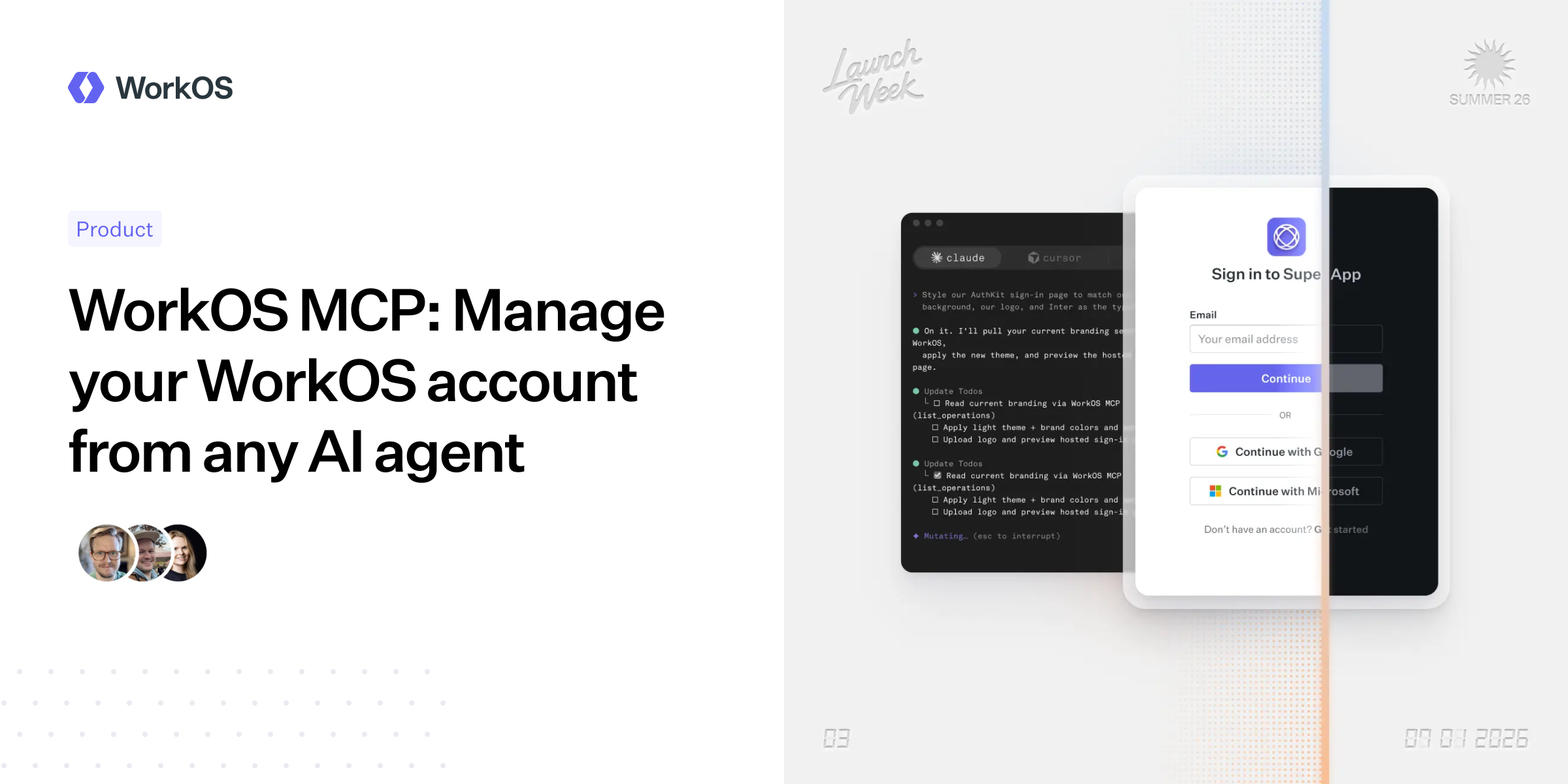
WorkOS announced on July 1 that it has launched a hosted MCP server for managing WorkOS accounts from AI agents, moving a set of dashboard tasks into agent-accessible tools. The pitch is practical: support and engineering teams can ask an agent to inspect or change WorkOS configuration without clicking through the web dashboard.
According to WorkOS, the server connects over OAuth and uses the same identity, roles and permissions as the user’s existing dashboard login. A read-only production user remains read-only through the agent. A user with administrative access gives the agent that level of access. WorkOS says there is no separate permission system to configure for the MCP server.
The company says the server covers hundreds of operations across its management surface, including organizations, single sign-on connections, Directory Sync, AuthKit users and sessions, roles and permissions, audit logs, webhooks, API keys, feature flags, environments and branding.
What the agent can and cannot do
WorkOS is also putting hard limits around the tool, at least as described in its announcement. The MCP server does not expose credential-minting operations, user impersonation, billing flows or account-level administration, the company says. It also removes secret values such as API keys, client secrets and webhook signing secrets from responses before those results are passed into the agent’s context.
For nine irreversible delete actions, WorkOS says the server requires a two-step confirmation before carrying out the operation. That does not make agent-driven administration risk-free, because a user with broad dashboard rights can still delegate broad operational work to an agent. It does mean WorkOS is not handing the model a raw copy of every dashboard capability and hoping prompt vibes will be enough.
The server exposes four tools to agents: whoami, list_operations, query and mutate. WorkOS says it chose this pattern instead of publishing one tool for every endpoint because loading hundreds of tools directly into a model’s context would waste space before the task begins. An agent first asks what operations exist, then calls the relevant query or mutation by name with the needed variables.
Setup and team controls
WorkOS says Claude Code users can add the server with one command: claude mcp add --transport http workos https://mcp.workos.com/mcp. The user then completes OAuth consent in a browser using the existing WorkOS dashboard login. WorkOS says the same remote-server approach works with Cursor, Codex, ChatGPT and other agents that support remote MCP servers.
Team administrators get three toggles in the WorkOS dashboard’s team authentication settings, all enabled by default, according to the company. They can disable MCP access for the team, restrict agents to sandbox environments by turning off production access, or make the MCP server read-only by disabling write access. WorkOS says these settings do not grant production access to users who lack it in the dashboard.
WorkOS positions the MCP server alongside its CLI rather than as a replacement. The CLI runs locally in a developer’s terminal, while the hosted MCP server is meant for agents running elsewhere, including chat clients, desktop agents or workflows tied to support tickets. WorkOS says the MCP server is available now, with connection instructions in its documentation.
This story draws on original reporting from Daring Fireball.