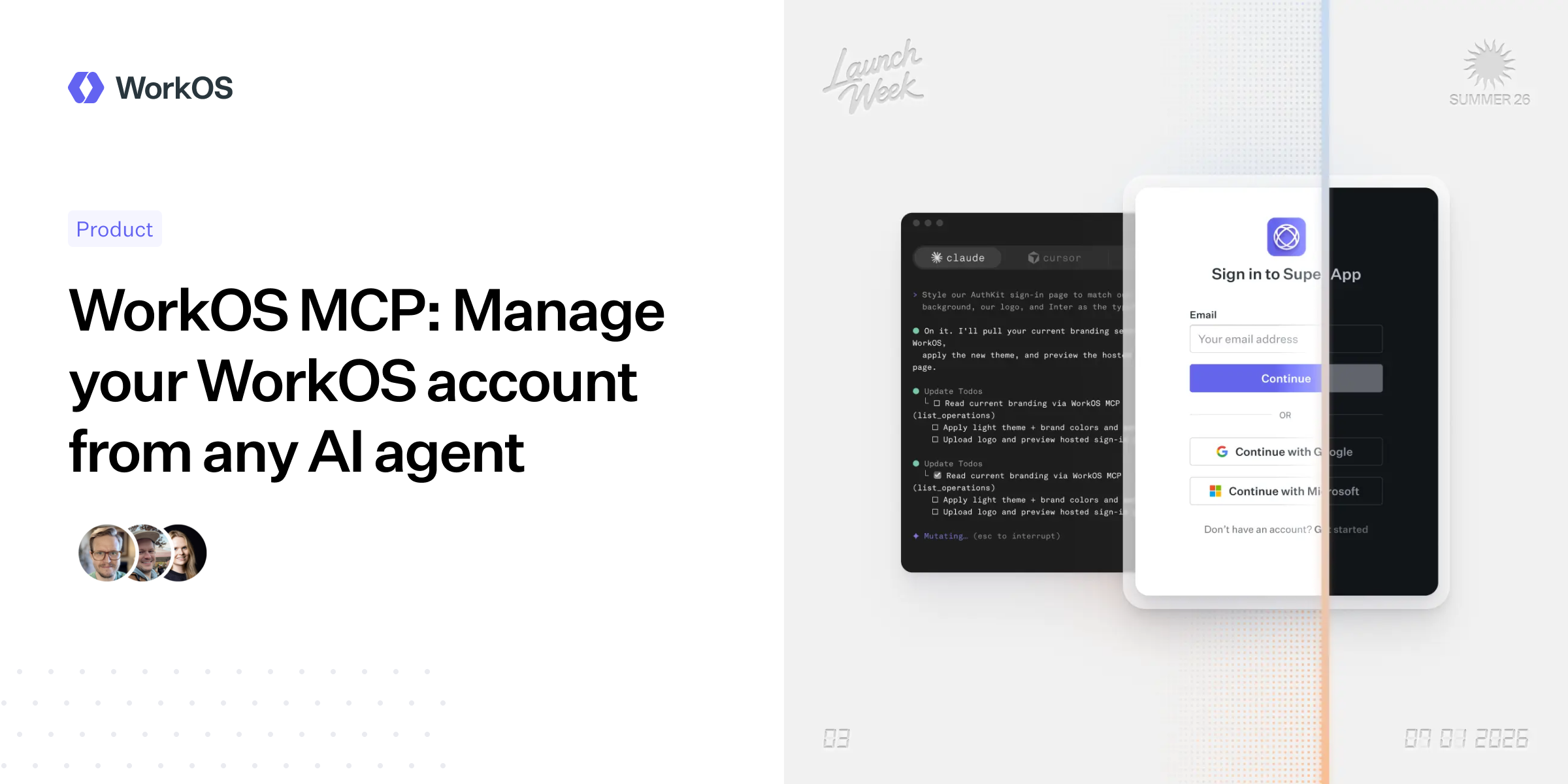
WorkOS launched the WorkOS MCP server on July 1, a hosted endpoint that lets AI agents manage a WorkOS account through the same permission boundaries as a user’s dashboard login. WorkOS says the point is to move routine account configuration, support debugging and admin chores out of a browser UI and into agent workflows.
According to WorkOS, agents connect to the remote server over OAuth. After consent, the agent authenticates as the user and inherits that user’s existing dashboard roles and permissions. A read-only production user stays read-only. An admin gets admin-level access through the agent. WorkOS says there is no separate MCP permission system for teams to maintain.
What is the WorkOS MCP server?
The WorkOS MCP server is a remote management interface for AI agents. It exposes WorkOS account operations as agent tools, covering areas including organizations, SSO connections, Directory Sync, AuthKit users and sessions, roles and permissions, audit logs, webhooks, API keys, feature flags, environments and branding, according to WorkOS.
That is the useful part and the scary part, so WorkOS also lists carve-outs. The company says the server excludes credential-minting operations, user impersonation, billing flows and account-level administration. It also removes secret fields, including API keys, client secrets and webhook signing secrets, before responses reach the agent’s context. WorkOS says nine irreversible delete actions require a second confirmation call before they run.
How agents use the server
WorkOS says it avoided mapping every API endpoint to a separate tool because loading hundreds of tools into an LLM context would waste space before the agent starts doing work. Instead, the server exposes four tools: whoami, list_operations, query and mutate.
The flow is discovery first, execution second. An agent can call list_operations to find the relevant operation, then call query or mutate with the operation name and needed variables. WorkOS gives the example of a support engineer asking an agent to investigate a customer SSO failure, check the connection state, review recent sessions and generate an Admin Portal setup link for the customer’s IT admin.
Setup depends on the agent client. For Claude Code, WorkOS says users can add the remote server with the command: claude mcp add --transport http workos https://mcp.workos.com/mcp. The browser-based OAuth consent flow then uses the existing WorkOS dashboard login. WorkOS says the same remote MCP approach works with Cursor, Codex, ChatGPT and other agents that support remote MCP servers.
What controls do WorkOS admins get?
Team admins can manage access from the team authentication settings page in the WorkOS dashboard, according to WorkOS. The company says three controls are enabled by default:
- Enable: turns MCP access on or off for the whole team.
- Allow production access: limits agents to sandbox environments when disabled, without granting production access to users who lack it.
- Allow write access: restricts the MCP server to read-only operations when disabled.
WorkOS also positions the MCP server alongside its CLI. The CLI runs locally in a terminal for developers already working beside a codebase. The MCP server is remote and requires no local install, which WorkOS says makes it fit for agent workflows on different devices, Slack bots, support-ticket automation and Claude Desktop sessions.
The server is available now, and WorkOS points users to its MCP documentation at workos.com/docs/mcp. As usual with agentic admin tools, the claims to watch are the boring ones: permissions, logging and how often a helpful assistant gets close to a destructive button.
This story draws on original reporting from Daring Fireball.