Some LG monitor owners are getting more than display drivers when they plug into a Windows 11 PC. According to testing by Gamers Nexus, Windows Update can install LG driver updates and the LG Monitor App Installer automatically after a new LG UltraGear monitor is connected, without asking the user first or even showing a notification.
The result is a familiar Windows irritation with a hardware twist: an app the user did not deliberately install, sitting on the system and serving large promotional pop-ups. Gamers Nexus said the notifications advertised McAfee antivirus and LG’s own apps, appearing in the bottom-right corner of the desktop after boot. In its test, the pop-up appeared on 31 of 32 startups.
The LG Monitor App Installer does not appear, based on the Gamers Nexus walkthrough, to provide a rich monitor-control panel of its own. Instead, it directs users toward other LG apps and McAfee. The Microsoft Store listing for the app shows McAfee alongside LG’s software.
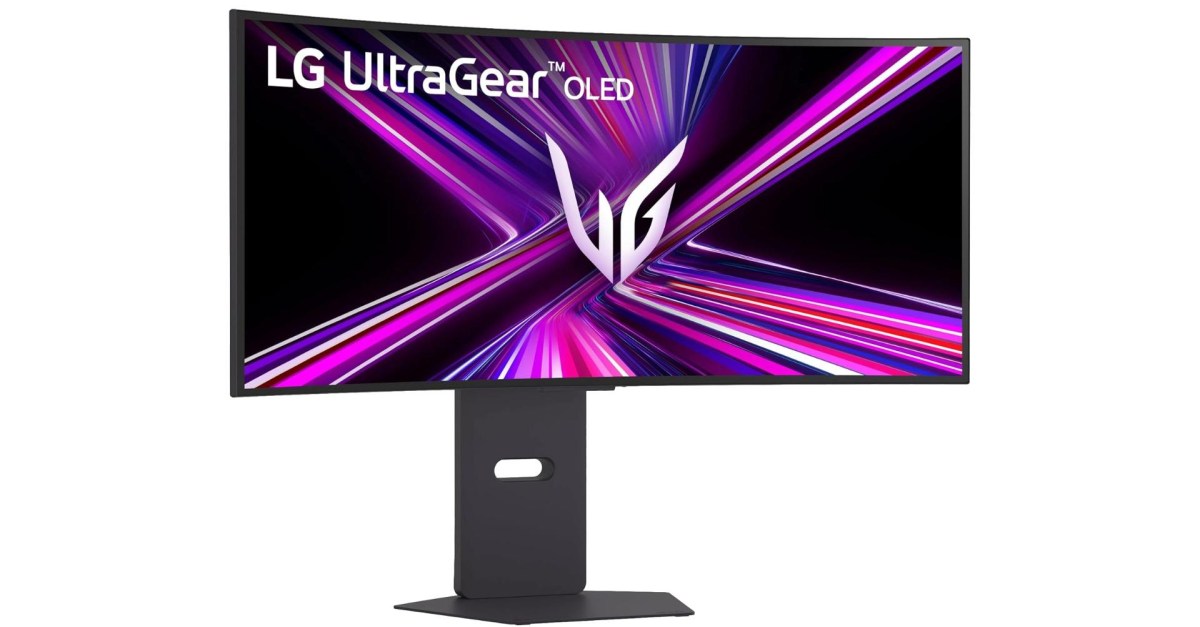
One of the displays identified as participating in the auto-install behavior is LG’s 34GX900A-B UltraGear monitor. The issue is not necessarily limited to that model, and user reports about LG’s monitor app installing itself date back to at least 2024, including posts on Microsoft’s Tech Community forum. More recent complaints on Reddit described the McAfee and LG app promotions appearing suddenly on users’ desktops.
How the install happens
The mechanism is not magic, despite how it may feel when a monitor starts putting software on a PC. Microsoft lets hardware makers associate a Windows Store app with a device through metadata. These apps, called Hardware Support Apps, can be installed automatically when Windows detects the relevant hardware.
Microsoft’s own documentation says the automatic installation feature does not notify the user when the app is installed. The same documentation warns developers that some users may find that confusing and frustrating, and may punish the app with a bad rating. That is the rare bit of platform documentation that reads like it has met Windows users.
The auto-install path is not unique to LG. Tom Warren of The Verge has previously pointed out that Dell’s Alienware Command Center can install automatically in Windows when an Alienware monitor is connected. The difference highlighted by the current LG complaints is the notification spam tied to the installer, especially the McAfee promotion.
Gamers Nexus framed the behavior as part of a broader concern about LG software and connected displays. The confirmed facts here are narrower: Windows 11 can pull down LG’s monitor installer through Windows Update and Microsoft’s hardware app system, and users have reported, with Gamers Nexus reproducing, repeated desktop ads after that installation.
For buyers, the practical complaint is straightforward. A monitor is supposed to identify itself, expose the right display modes, and then get out of the way. LG’s setup, as documented by Gamers Nexus and user reports, adds a promotional software layer to that transaction without a clear opt-in at the moment of installation.
This story draws on original reporting from The Verge.