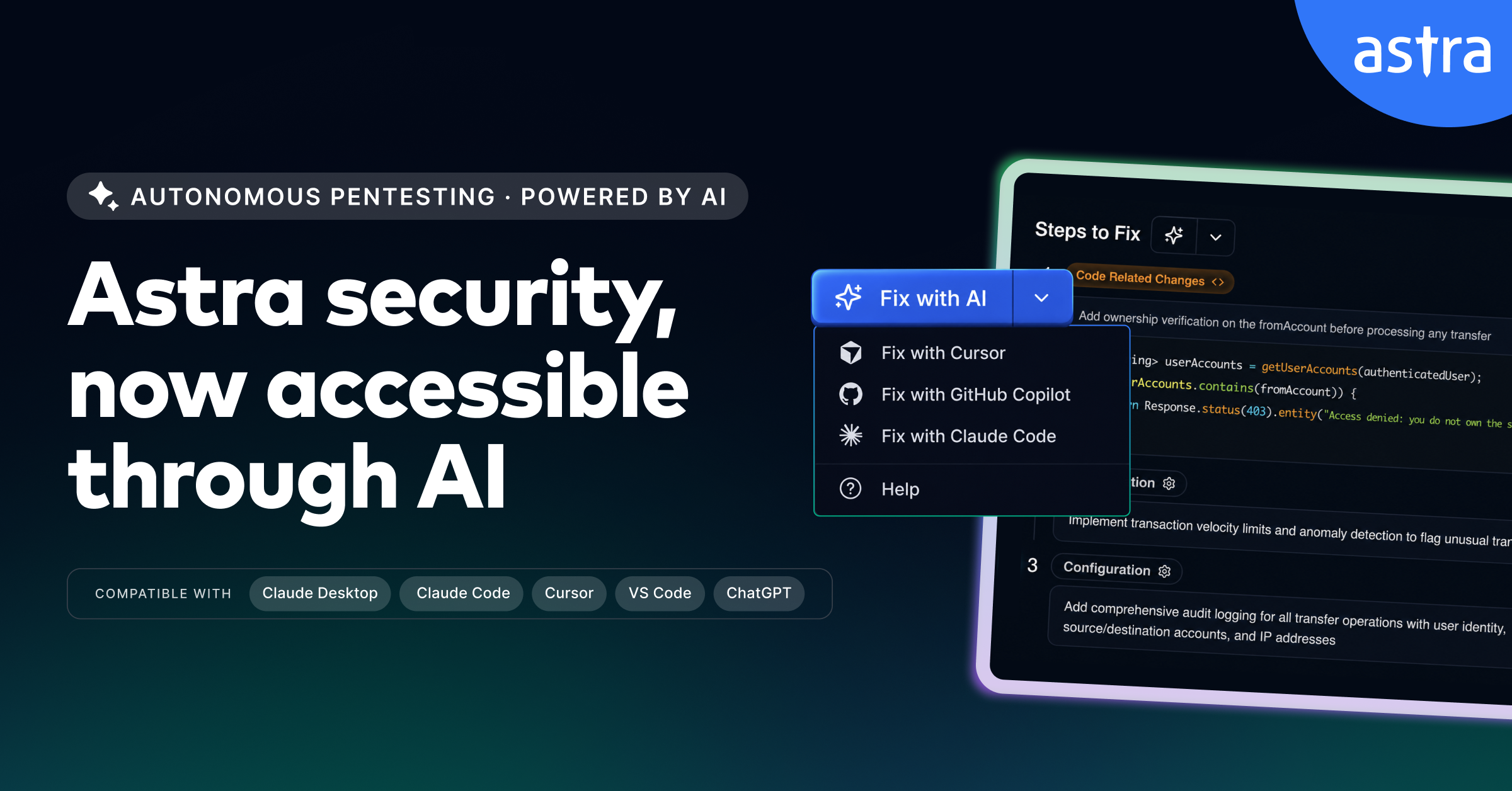
Astra Security has launched Astra MCP, a Model Context Protocol server that brings its pentesting platform into coding assistants including Claude Code and GitHub Copilot in VS Code. The Astra MCP Claude Code integration is meant to put vulnerability evidence, remediation context and security workflow controls beside the code, rather than marooning them in a dashboard or final report.
The server also supports Cursor, Claude Desktop and ChatGPT. Users authenticate through a browser, and the integration limits each assistant to workspaces and data the connected user is authorized to access.
MCP is a way for an AI assistant to call tools and retrieve data from an external service. In this case, that means an assistant can inspect Astra targets, scans, vulnerabilities, findings and comments, then take certain account actions on a user's behalf.
What can Astra MCP do in Claude Code and GitHub Copilot?
The documented workflow runs from triage to verification. An engineer can ask for open high-severity issues, pull the affected URLs, parameters and request-and-response evidence for a finding, then request a remediation brief. In an editor, the developer can review a proposed change, update the vulnerability's workflow state and request a rescan after deployment.
Astra says its pentesting system uses a separate validator agent to attempt exploitation before a finding reaches the report, and that remediation prompts are tailored to the customer's codebase. Those are company assertions. The integration does not apply a production code change itself: developers review and make the change.
The tool set is not limited to reading data. Astra classifies its MCP functions as Read, Write or Delete operations. It can start or cancel scans, create recurring scan schedules, add or edit comments, apply vulnerability status transitions and request rescans. It can also generate report links, although report files must be downloaded from Astra's Reports area rather than through MCP.
- Read: list targets and vulnerabilities, retrieve a finding's evidence, inspect scan status and review rescan results.
- Write: start a selected scan, change a vulnerability's workflow state, add comments and request a rescan.
- Delete: cancel an eligible scan, remove a schedule or delete a comment.
Some actions have deliberate brakes. Before launching an automated scan, the assistant asks the user to choose a Full, Emerging or Lightning scan, plus coverage for a Full scan. Before deleting a schedule, it displays the schedule and asks for confirmation. Astra's documentation also warns that AI output can be wrong and tells users to review results before starting scans, changing vulnerability status or deleting a schedule.
That distinction matters when a coding assistant has access to security data and account controls. Permission-scoped access narrows what the assistant can see, while approval steps and developer review keep it from becoming an unattended path from a finding to a production change. Astra's MCP pentesting integration turns the assistant into a front end for that loop, not the engineer responsible for closing it.