Microsoft says LG will disable the McAfee pop-up in LG Monitor App Installer after reports that the app was landing on Windows PCs through Windows Update when some LG monitors were connected. The LG monitor McAfee ads matter because buyers were not opening a normal installer or asking for a sales pitch; according to user complaints and testing by Gamers Nexus, the software arrived alongside monitor driver updates and then put trialware prompts on the desktop.
Pavan Davuluri, Microsoft’s executive vice president of Windows and devices, said on X that Microsoft contacted LG and that LG agreed to disable the McAfee pop-up as an immediate step. Davuluri said Microsoft would continue working with ecosystem partners to improve the experience for shared customers.
That removes one noisy prompt, according to Microsoft’s account. It does not answer the broader complaint: a monitor, a display that many users expect to act like a display, can trigger an app install that advertises other software.
Why did an LG monitor install McAfee ads on Windows?
LG Monitor App Installer is distributed as a device app tied to certain LG monitors. Microsoft’s developer documentation says Universal Windows Platform device apps can be installed automatically when a user connects hardware, if the PC is online, signed into the Microsoft Store, and the user has not opted out of Recommended Settings during Windows setup.
The same Microsoft documentation says that automatic installation does not notify the user when the app is installed, and warns developers that some users may find the behavior confusing and frustrating. That warning is doing a lot of work here.
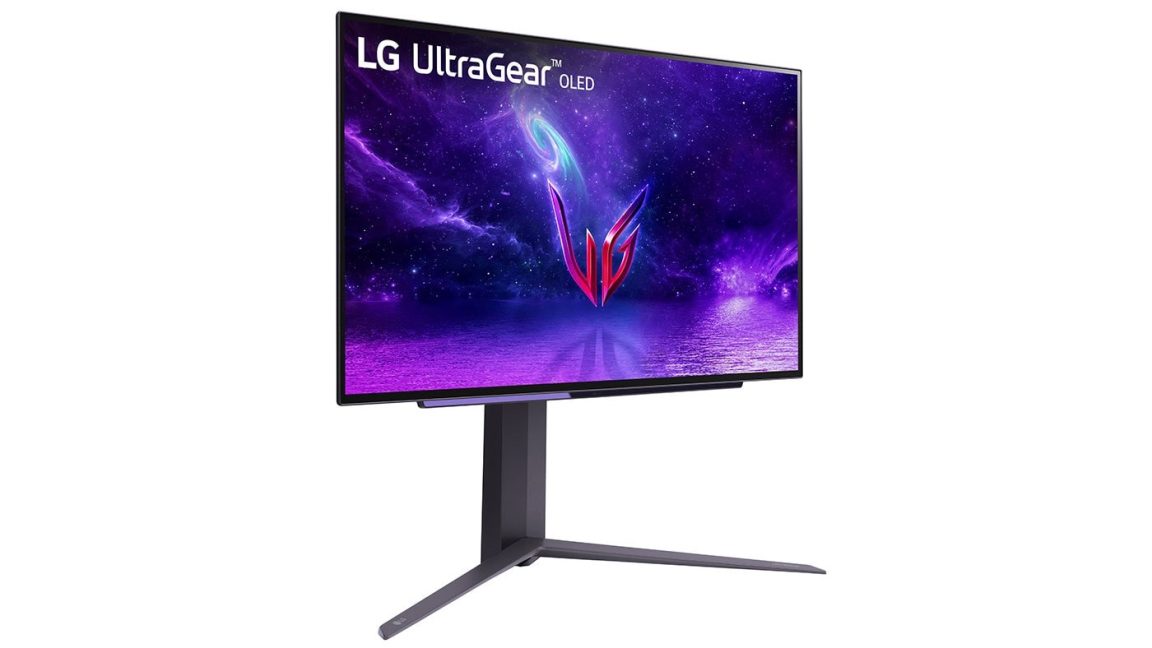
Gamers Nexus editor-in-chief Steve Burke said the outlet reproduced the behavior several times on multiple Windows 11 systems after buying an LG UltraGear 3GX900A-B gaming monitor for testing. Burke said the pop-up appeared in the lower-right corner on every boot after LG Monitor App Installer was installed. Most of the time it promoted a 30-day McAfee trial, Gamers Nexus reported. The outlet also said it occasionally saw prompts for LG Switch, LG Calibration Studio, LG Dual Controller, and LG Channels.
Windows Latest reported that LG Monitor App Installer recently received an update whose changelog listed McAfee as an additional app. That timing may explain why more users started seeing the ads and complaining about them, though the app itself appears to have been installing on some systems before the recent flare-up.
What did users object to?
Users on Reddit reported finding LG Monitor App Installer and its prompts on their PCs without a clear permission screen from LG. Burke also said he began seeing the pop-up on LG monitors bought three years ago, suggesting the behavior was not limited to one new model.
The privacy concern is tied to the permissions and data terms attached to the app. Burke said LG’s app terms give it permission to use all system resources and allow collection of categories such as geolocation, device data, online activity, contacts, credentials, and transaction data. Those are broad permissions for software many users say they did not knowingly install.
Ars Technica reported that it asked LG about the purpose of LG Monitor App Installer, which monitors are affected, and privacy concerns. LG acknowledged receiving the questions but did not provide answers before publication, according to Ars.
Gamers Nexus cited user complaints naming these monitors as affected:
- 34GX900A-B
- 45GX950-B.AEU
- 32GS95UE-B
- 39GX950B
- 27GP83B-B
- 27GN800
- 27GN850-B
The episode fits a familiar Windows annoyance: hardware makers using device setup hooks to push companion apps that users may not want. The McAfee pop-up is being turned off, according to Microsoft. The auto-install pipeline that made it possible remains the bigger unresolved issue.
This story draws on original reporting from Ars Technica.