WIRED senior writer Simon Hill has updated his phone location-sharing guide for July 2026, spelling out the current routes for sending live or one-time location data from iPhones and Android phones. The useful bit for users is control: most of these tools let people choose a recipient, set a time limit, and later revoke access. The annoying bit is the same as ever, location sharing only works after a platform or app gets permission to know where the phone is.
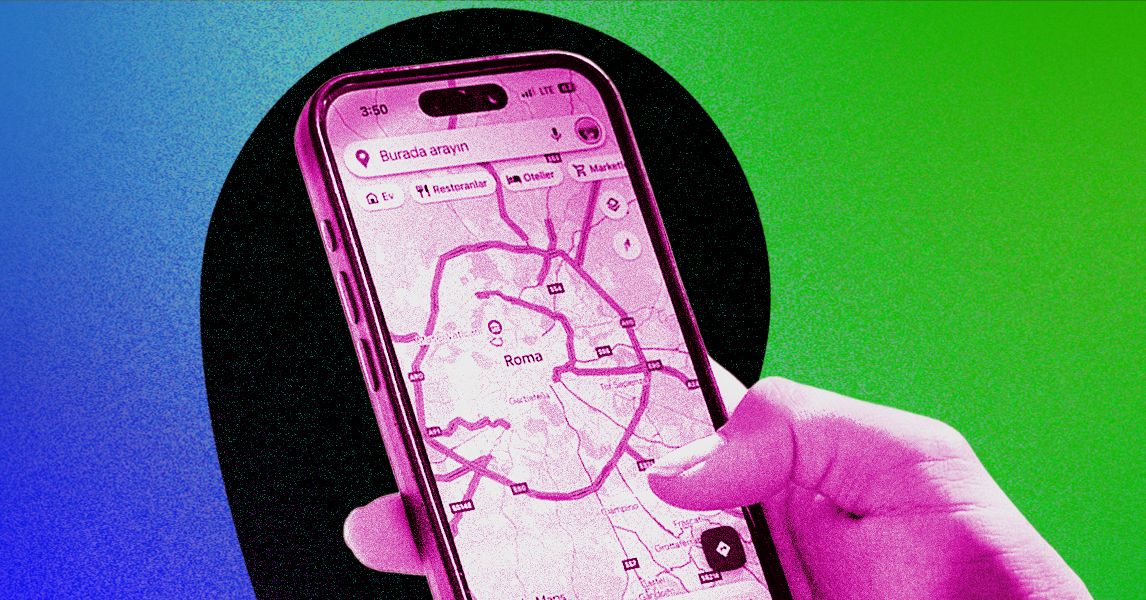
Hill identifies Google Maps as the broadest option because it works on both Android and iOS. In Google Maps, users open the app, tap their profile image or initials, sign in if needed, and use Location sharing to start a new share. The app then asks for a duration and a recipient. According to Hill, sharing can go to contacts with Gmail addresses, specific apps, or, for people without Google accounts, through a copied link that can be pasted into a message or email.
The same Location sharing screen is also where Google Maps users can audit the mess they have created. Hill says the app lists people who can see the user’s location, and if the other person is sharing back, their profile picture appears on the map. Tapping that person’s name or picture lets the user stop sharing or get directions to them.
Apple’s Find My keeps it inside Apple’s fence
For iPhone, iPad and iPod Touch users, Hill points to Apple’s Find My app as the built-in path. In the People tab, a user can pick an existing person or add someone by name or number, then choose whether to share for one hour, until the end of the day, or indefinitely. Stopping access happens from the same People tab by selecting the person and choosing to stop sharing. The Me tab includes a switch to turn off location sharing for everyone.
Messaging apps add their own versions. In Facebook Messenger, Hill says users can open a chat, tap the options button, choose Location, grant location access if prompted, and either start live sharing or send a fixed point on the map. Messenger’s live share runs for one hour and shows a stop button with a countdown.
WhatsApp offers a similar split between a snapshot and a moving feed. Hill says users open a chat, tap the plus button on iPhone or the paperclip on Android, choose Location, and grant access if asked. They can send their current location once, or share a live location for a selected period from 15 minutes to eight hours.
Emergency sharing is separate, and less uniform
Hill also covers emergency tools, where the design depends on the phone maker. On iPhone, Apple’s Emergency SOS can text emergency contacts and share the user’s location after setup in the Health app’s Medical ID section. Activation differs by model: newer iPhones use the power button with a volume button, while iPhone 7 and older models use five rapid presses of the power button. The Emergency SOS slider calls emergency services and triggers the contact message and location share.
On Android, Hill notes that emergency options vary by manufacturer. On most Android phones, including Google Pixel devices, users can enable Emergency Location Service under Settings, Location and Location Services. Where supported, that sends location data to emergency services when the user calls or texts an emergency number. Android’s Safety and Emergency settings also allow emergency contacts and Emergency SOS configuration, including an option to share real-time location with those contacts.
Hill’s closing advice is basic and correct: check periodically who can see your location. Location sharing is useful plumbing, but stale permissions are how helpful features turn into quiet surveillance.
This story draws on original reporting from WIRED.