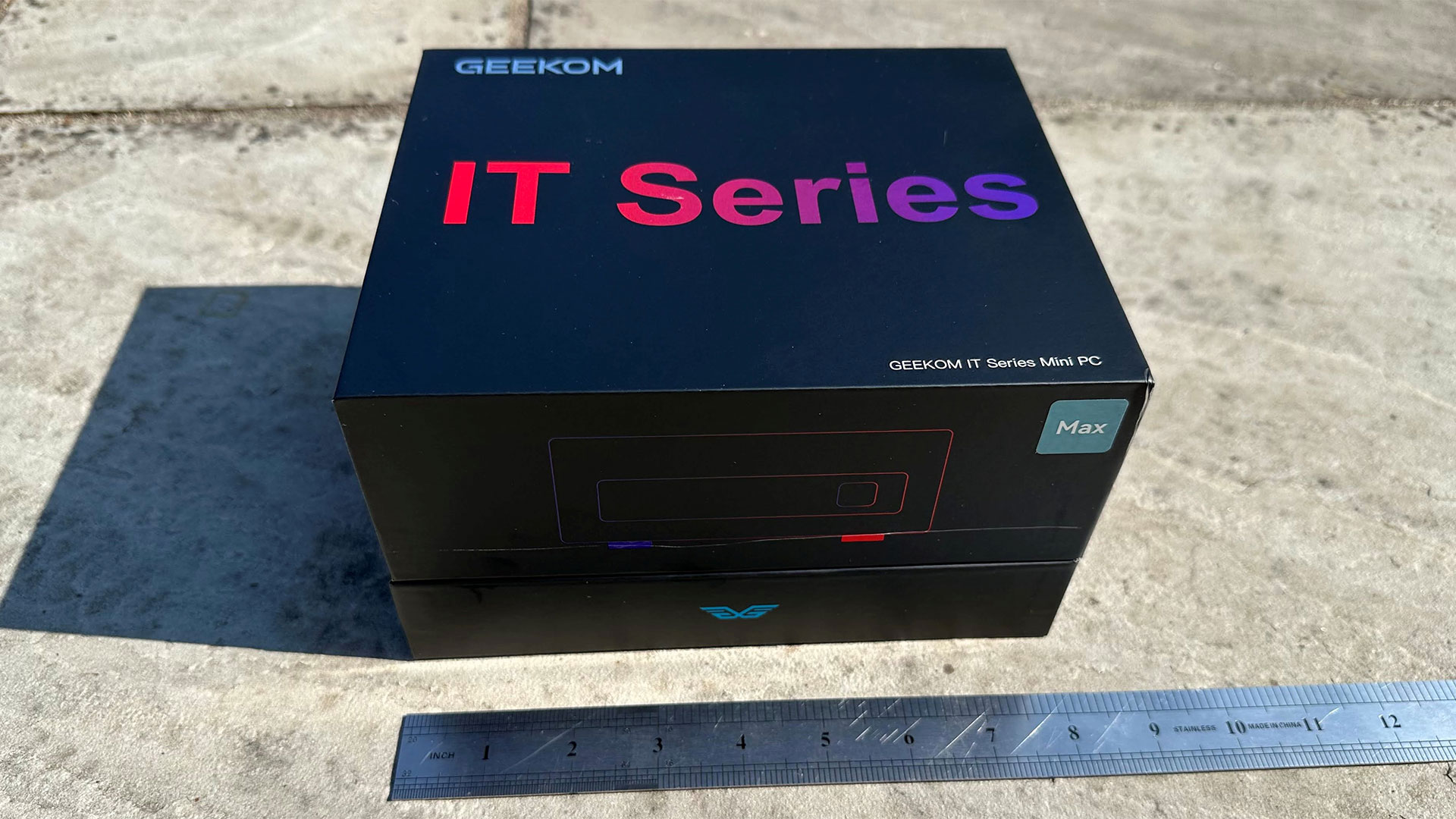
This Geekom IT13 Max review comes down to a familiar mini-PC bargain: Geekom is offering a Core Ultra 9 185H system for $799, but it is using Intel’s older Meteor Lake mobile platform rather than current silicon. The tested $799 configuration combines the 16-core, 22-thread chip, Intel Arc integrated graphics, 24GB of LPDDR5 memory and a 500GB Kingston NV3 PCIe 4.0 SSD. It is a compact desktop built around connectivity, not a stealth workstation.
That distinction matters. The roughly 0.9-liter IT13 Max has more built-in I/O than many boxes this size: two USB4 ports, two HDMI 2.0 outputs, two 2.5GbE Ethernet ports, Wi-Fi 7, Bluetooth 5.4, a full-size SD reader, five USB 3.2 Gen 2 Type-A ports, one USB 2.0 port and a 3.5mm jack. Both USB4 ports support DisplayPort Alt Mode, and one accepts power input. Geekom says the outputs can drive up to four displays.
Tom’s Hardware found the machine sturdy and well equipped, with a matte-plastic exterior, metal vent panels and bottom cover, plus an internal metal chassis. Windows 11 Pro comes installed on the tested model.
Which Geekom IT13 Max configuration should you buy?
Geekom sells two materially different versions. The $799 listing covers a 24GB LPDDR5-5600 and 500GB SSD configuration, where the memory is soldered and cannot be expanded. The alternative pairs 16GB of DDR5 SO-DIMM memory with a 1TB SSD; Geekom says it has two memory slots and supports up to 96GB. Buyers who expect memory needs to grow should not assume both models offer the same upgrade route. They do not.
Storage is more flexible. Removing four screws gives access to the primary M.2 2280 SSD and a vacant M.2 2242 slot. The secondary slot’s documentation is a small mess: Tom’s Hardware saw the empty 2242 slot while a Geekom spec sheet it received referred instead to 2.5-inch SATA expansion. Robtech separately reported that a PCIe 4.0 NVMe 2242 drive operated at x2 in the slot despite Geekom describing it as M.2 SATA. Treat that as a useful test result, not a promise of universal compatibility. For the basics of choosing an added drive, see our SSD versus HDD guide.
What performance and cooling trade-offs does it have?
The 185H still has enough CPU and integrated-graphics capacity for office work, multitasking and modest creative jobs. IT Pro praised performance, connectivity and value, while listing noisy fans among its drawbacks. In a separate review, Robtech found the system generally behind newer competitors and called Photoshop results unremarkable against many AMD mini PCs. That reviewer found Premiere adequate for many 4K projects, but not exceptional.
Thermals are the sharper caveat for sustained work. Robtech measured throttling beginning around 103C and judged the IT13 Max the loudest machine in its own comparison group under load. Those are reviewer-specific results, not Geekom specifications. Another reviewer reported smooth 4K playback and editing in a limited DaVinci Resolve test, which is encouraging but hardly settles every creator workflow.
The IT13 Max therefore fits a port-heavy, small desktop for multi-display office setups, wired networking and moderate media work. Skip this configuration if quiet long-duration CPU loads, current-generation speed, serious AAA gaming or user-upgradable RAM are requirements. The $799 price makes the old chip defensible; it does not make its compromises disappear.
This story draws on original reporting from Tom's Hardware.