Macro pad uses are broader than the streamer gear aisle suggests. Tom’s Hardware says a standalone pad can give keyboard and mouse users a separate bank of programmable controls for shortcuts, app launches, device switching and desktop layout commands, without relying on gaming mouse or keyboard software to behave across every app.
The basic idea is boring in the useful way: put extra buttons, knobs, dials, sliders or small screens next to the keyboard and assign them to actions you repeat. That can mean a cheap external number pad, a small mechanical board with three keys, or a stream controller with LCD-labeled buttons and dedicated software.
What can you use a macro pad for?
A macro pad can turn multi-key shortcuts into one press, open groups of programs, enter saved text, act as a missing function row, adjust audio or brightness, and trigger window-management layouts. The point is not magic productivity dust. The point is moving frequent actions onto controls you can hit without finger gymnastics.
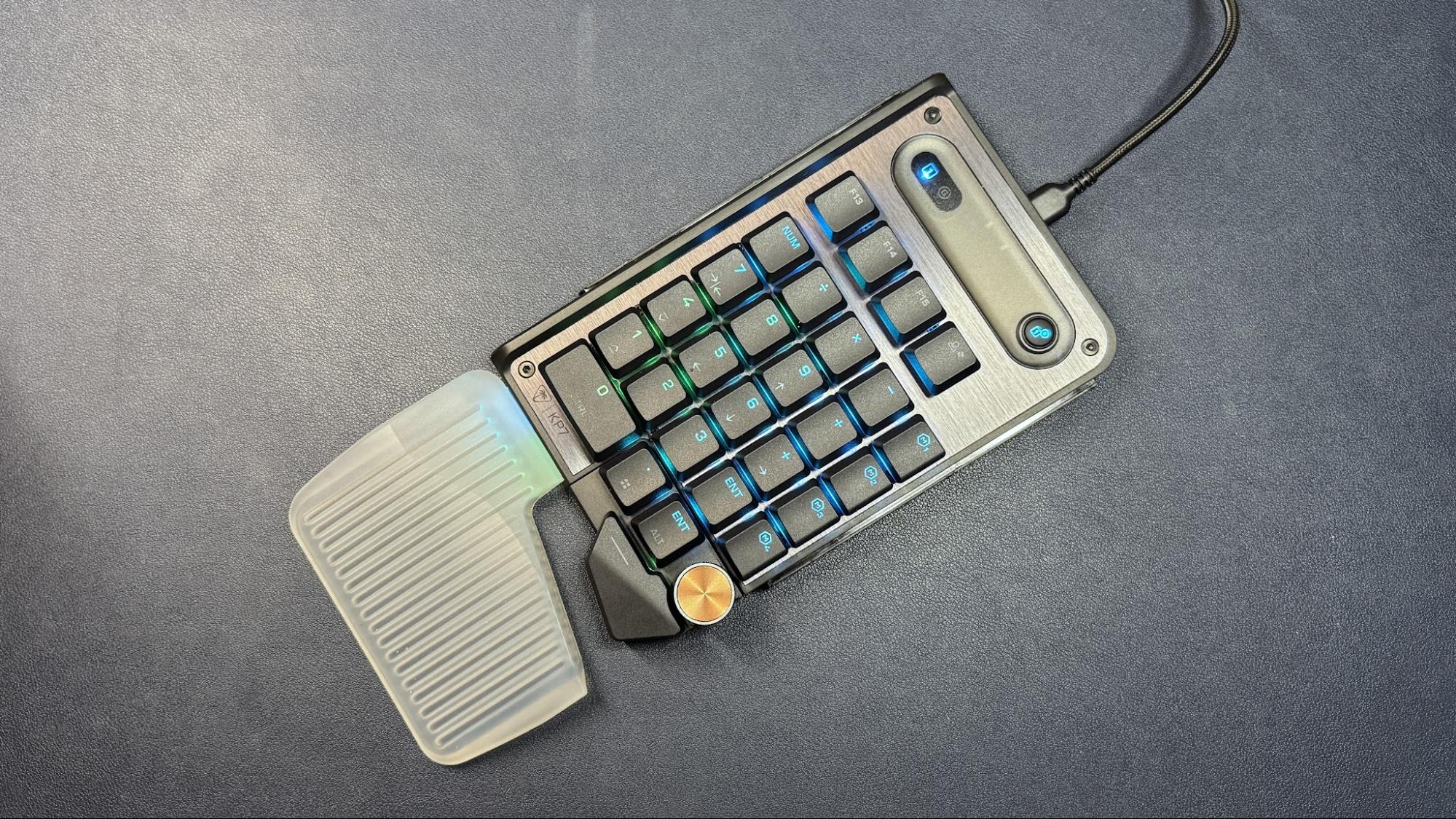
Tom’s Hardware breaks the hardware into three broad buckets. The first is the standalone 10-key number pad. A basic wireless model can cost about $10, while more keyboard-nerdy versions add mechanical switches, hot-swappable PCBs, gasket mounting and heavier customization. Examples cited include the $36 Epomaker EK21 and the $34 8BitDo 18-key numpad.
A number pad is most defensible when the number pad itself matters. Tom’s Hardware points to data entry, 3D modeling apps such as Blender that use numpad shortcuts, and alt codes for special characters. Outside those jobs, the same publication says buyers may be better served by a general macro pad rather than a dedicated numeric layout.
The second category is the non-number-pad macro keyboard. These range from tiny three-key boards to larger units with knobs and dials, including DIY boards such as an Adafruit Raspberry Pi-powered macro pad Tom’s Hardware previously reviewed. The tradeoff is cognitive overhead: once a pad becomes a grid of unlabeled mystery keys, remembering what each one does becomes its own unpaid internship.
The third category is the streaming deck, a term Tom’s Hardware uses for devices including, but not limited to, Elgato’s Stream Deck line. These use LCD keys, or buttons over a screen, so labels and icons can change with the assigned action. Some can also show information such as time, date, weather or PC stats.
Streaming decks usually bring stronger software than simpler macro pads. Tom’s Hardware says they can chain several actions, such as opening multiple programs in sequence or changing several settings at once. Some also include touchscreens, rollers, knobs, dials and sliders. Cooler Master’s MasterHub is cited as a modular example that can swap control types.
Those physical controls matter because not every action wants a button. A knob can suit brush-size changes, timeline scrubbing, volume or brightness. Sliders can adjust several audio levels quickly, such as microphone feeds in a podcast setup. A touchscreen can switch between pages of controls without spending a physical button on navigation.
Tom’s Hardware’s suggested everyday assignments include browser tab movement, closing and reopening tabs, selecting the address bar, zoom, app switching, select all, copy, paste, find, and even a left-click command for cases where moving the mouse is inconvenient. The guide also points to launching websites, programs or folders, toggling Windows audio and webcam devices, entering repeated text strings, adding function keys, and using plugins to snap windows into fixed layouts across multiple monitors.
The catch is setup. A macro pad only earns desk space when the owner maps real habits to physical controls. Without that work, it is just another peripheral with better lighting than discipline.
This story draws on original reporting from Tom's Hardware.