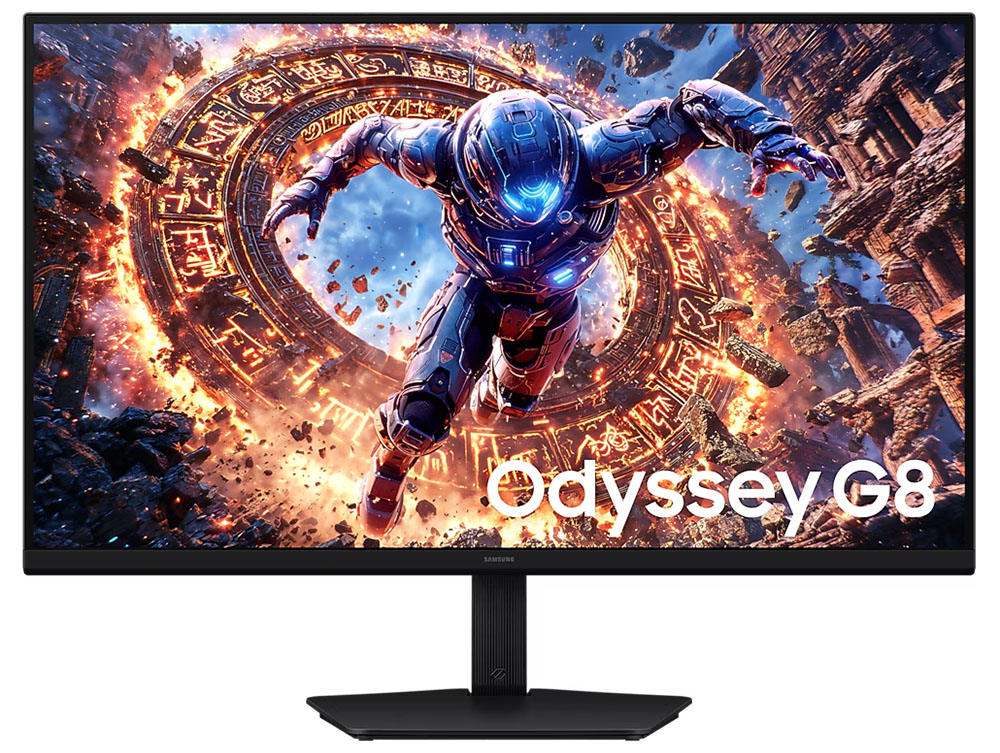
This Samsung Odyssey G80HS review reaches a fairly unglamorous conclusion: the 32-inch display makes its strongest case as a high-DPI work monitor that can also serve fast games, rather than as a machine for running new blockbuster games at native 6K. The split personality is deliberate. Samsung offers 6144×3456 at 165Hz for detail and workspace, then 3072×1728 at 330Hz when frame rate matters more.
According to Tom’s Hardware, the G80HS uses a Fast IPS panel with adaptive-sync support and a claimed 1ms gray-to-gray response time. The publication measured very low input lag, while noting a catch buried in the settings: adaptive-sync and overdrive cannot operate together. Samsung includes one DisplayPort 2.1 input, two HDMI 2.1 ports, a USB hub and a 3.5mm headphone output. Speakers did not make the cut.
Is the Samsung Odyssey G80HS better for work or AAA gaming?
For desktop work, the case is unusually good. Tom’s Hardware and TechSpot put the panel at roughly 220 pixels per inch, though Tom’s Hardware’s specification table lists 224 PPI. Either way, it is substantially denser than a 32-inch 4K display. TechSpot found sharper text and more visible fine detail in high-resolution photos, and said a 4K image could sit at 100% scale while leaving roughly 60% of the screen for editing controls.
That extra room is the actual payoff of 6K. A 4K image can be viewed at its native scale without sacrificing the application interface around it. The 165Hz refresh rate also avoids the sluggish 60Hz ceiling common on some high-resolution professional displays.
Gaming at 6144×3456 is where the arithmetic starts heckling the marketing. The resolution contains 2.5 times as many pixels as 4K. TechSpot reported that the visual improvement over 4K was apparent but not transformative on a 32-inch screen, while the rendering cost was severe. In its RTX 5080 test of Cyberpunk 2077, keeping performance consistently above 60 frames per second at 6K required the High preset, ray tracing disabled and DLSS set to Performance. The same settings exceeded 110 fps at 4K.
That does not rule out 6K games. TechSpot identified strategy titles, city builders, lightweight 2D games and many indie releases as better candidates, where detailed interfaces or less demanding rendering make the pixels useful. Buyers of current big-budget games should expect compromises in settings, upscaling or frame rate.
Why the 3K 330Hz mode is the practical feature
The 3072×1728 mode cuts the pixel load and raises refresh to 330Hz, making it the monitor’s more realistic setting for competitive and fast-moving games. Tom’s Hardware said the mode was a more attainable workload for RTX 4090- and RTX 5090-class hardware, and found the higher refresh rate removed nearly all motion blur in its testing.
Getting the full 6K 165Hz signal also requires current connections: DisplayPort 2.1 or HDMI 2.1, with an 80Gbps DisplayPort cable or 48Gbps HDMI cable, according to Tom’s Hardware. The display ships with those rated cables. Its stand provides height, tilt, swivel and 90-degree portrait adjustment, although the review observed some wobble at its pivot while being adjusted.
Image quality has limits. Tom’s Hardware measured peak HDR white near 480 nits and reported HDR10 support, while TechSpot characterized HDR performance as questionable. For buyers prioritizing HDR cinema or games, that is a warning rather than a footnote.
Reviews cited a U.S. starting price around $1,599 to $1,600, which is time-sensitive and expensive for a gaming monitor. The G80HS earns that price most readily for people who value exceptionally sharp text and image work, then want 330Hz gaming on the same desk. Native 6K AAA gaming is a capability, not a dependable default.
This story draws on original reporting from Tom's Hardware.