Premium laptops and desktops are beginning to move past the 40Gbps ceiling that defined the first USB4 and Thunderbolt 4 generation. According to Tom’s Hardware, USB4 Version 2.0 and Intel’s Thunderbolt 5 are now appearing in higher-end 2026 systems, giving users up to 80Gbps of bidirectional bandwidth and, for display-heavy setups, a 120Gbps asymmetric mode.
The practical gain is straightforward: one USB-C port can carry faster external storage, more demanding display output, PCIe-based peripherals and laptop charging through the same connector. The annoying part is also familiar: the USB4 name alone still does not tell buyers exactly what a port can do.
USB-C is the plug, not the promise
USB started in 1996 as a 12Mbps replacement for serial, parallel and PS/2 ports. USB 2.0 reached 480Mbps in 2000, USB 3.0 hit 5Gbps in 2008, and later USB 3.x versions climbed to 10Gbps and 20Gbps. The speed increases helped turn USB into the default consumer connector, while the branding became a small act of bureaucratic vandalism.
USB-C, introduced in 2014, cleaned up the connector problem. USB4, introduced in 2019, changed more than the plug. It is based on the Thunderbolt 3 transport specification that Intel contributed to the USB Promoter Group, and it can tunnel USB, DisplayPort and PCI Express traffic over the same link.
That architecture gives device makers room to choose which features to implement. Tom’s Hardware reports that many lower-cost PCs ship with USB4 at 20Gbps rather than 40Gbps. Some omit PCIe tunneling, which limits external NVMe drives, capture hardware and external GPU enclosures. Some support narrower DisplayPort tunneling, which can constrain multi-monitor setups even when the port carries a USB4 logo.
Thunderbolt 4 set a tighter floor for the first USB4 generation. Intel’s certification requires 40Gbps operation, PCIe tunneling with at least 32Gbps of sustained throughput, dual 4K display support, DMA protection and at least 15W of port power. Tom’s Hardware says Intel platforms have generally met that bar, while AMD USB4 implementations vary by system vendor and chipset.
How USB4 v2 gets to 80Gbps
USB4 Version 2.0 doubles link speed without adding more high-speed lanes. The spec moves from NRZ signaling to PAM3 modulation, which uses three voltage levels per symbol. That lets each lane carry 40Gbps over wiring that previously carried 20Gbps. With two bonded lanes in each direction, the link reaches 80Gbps both ways.
The same physical layer can also be configured asymmetrically. In that mode, bandwidth can rise to 120Gbps in one direction while the return path is reduced, a trade useful for high-resolution display output.
The protocol stack gets upgrades too. USB4 v2 adds PCIe Gen4 tunneling, improving the ceiling for external SSDs and GPU boxes compared with Gen3 tunneling in USB4 v1. DisplayPort tunneling moves to DisplayPort 2.1 with UHBR20 signaling, which Tom’s Hardware says can support dual 8K displays or a single 12K display with full chroma and high refresh rates.
Thunderbolt 5 uses the USB4 v2 physical layer but mandates more of the optional menu. Intel’s spec requires 80Gbps symmetrical operation, the 120Gbps display mode, PCIe Gen4 tunneling with at least 32Gbps sustained throughput, support for 240W charging and stricter latency behavior. Tom’s Hardware points to the 2026 Razer Blade 16 as one example of a high-end laptop shipping with Thunderbolt 5.
Cables are part of the spec sheet now
USB Power Delivery 3.1 allows USB-C to negotiate up to 240W using 48V Extended Power Range profiles. Power negotiation happens over the connector’s Configuration Channel, separate from the high-speed data lanes.
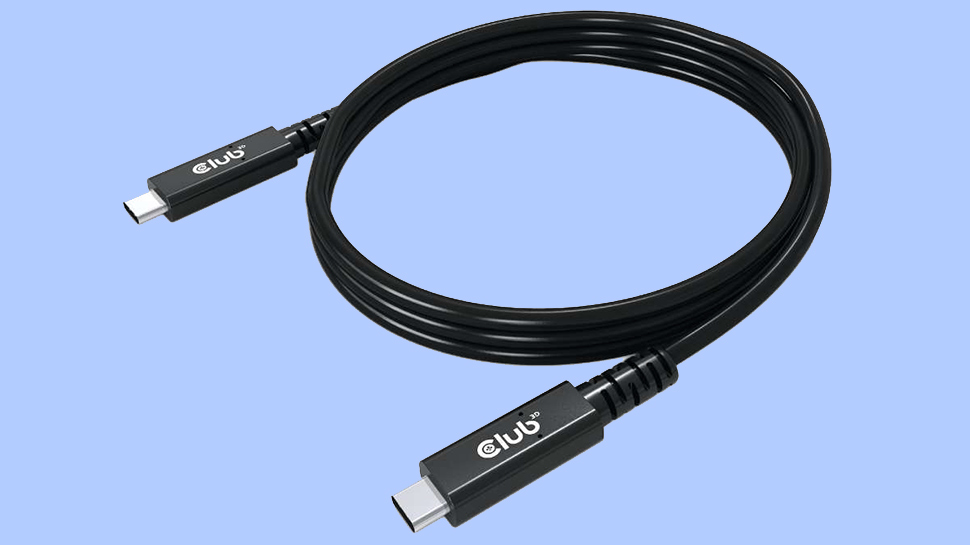
Cable length is getting less forgiving. Tom’s Hardware reports that many certified passive USB-C cables up to one meter should handle 80Gbps, while longer runs usually need active retimers. The USB-IF’s newer labels, including USB 40Gbps, USB 80Gbps and USB 240W, are meant to state the cable’s actual capability rather than hide it behind another version number.
Beyond this generation, Tom’s Hardware says users and analysts are discussing whether future USB standards could use schemes such as PAM4, and whether optical USB-C cables could carry high-speed links over longer distances than copper. That remains forward-looking. For buyers in 2026, the more grounded advice is to read the badge, the port spec and the cable label before assuming a USB-C port is the one they need.
This story draws on original reporting from Tom's Hardware.