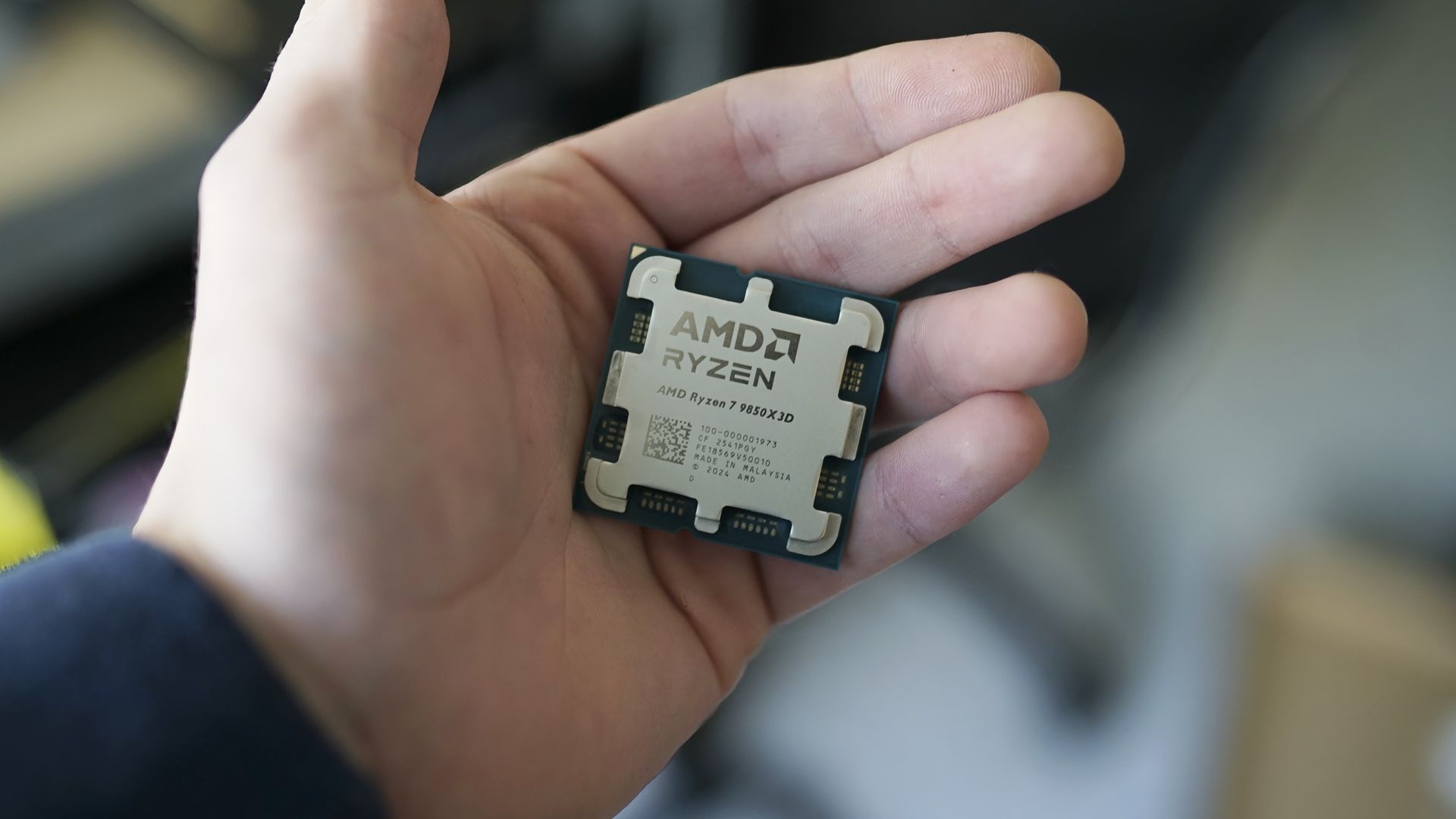
Computer memory holds the instructions and data a computer needs for immediate use. In everyday use, the word usually means RAM, the temporary workspace used while programs run. An SSD or hard drive keeps files after power is off. Both hold data. They do different jobs.
A practical model runs from cache and RAM near the CPU to longer-term storage on an SSD or hard drive. These layers serve different purposes: cache and RAM support short-term work, while storage retains data between sessions.
How computer memory is used
When an application runs, its code and data generally move from secondary storage into primary memory so the CPU can execute them. Open programs and actively processed data reside in RAM; saved files remain in storage.
- CPU cache is primary memory used close to and frequently accessed by the CPU.
- RAM is main memory for open programs and data being actively processed.
- SSDs and HDDs provide longer-term, non-volatile storage.
RAM versus storage
RAM means random-access memory. A CPU can read or write data at a chosen memory address on demand, rather than working through a medium to reach the required data. RAM is used for short-term, rapidly changing data.
Storage retains data between sessions. Flash memory, HDDs, and SSDs are forms of secondary storage or non-volatile storage. Adding storage capacity does not provide a program with more RAM in which to run.
More primary memory can reduce how often a computer must retrieve instructions and data from slower secondary storage. It gives the operating system more room for active work.
Volatile and non-volatile memory
Volatile memory loses its contents when power is removed. DRAM is used for main memory, while SRAM is used mainly for CPU cache. DRAM stores data as charge in capacitors and requires periodic refresh. SRAM does not require refresh while powered, but it also loses its contents when power is removed.
Non-volatile memory retains data without power. Flash memory and ROM are examples. ROM can hold essential instructions for starting and operating a system.
What happens when RAM fills
Operating systems can use otherwise unneeded RAM to cache storage data, then reclaim that capacity for programs. When physical RAM is insufficient, a system can use secondary storage as virtual memory.
Virtual memory does not replace physical RAM. It has greater latency and lower performance than solid-state primary memory because drives take longer to read and write data. It can let more applications and data remain available, with a performance cost.
Bits, bytes and addresses
At the lowest level, memory represents data as bits, each with one of two states, conventionally written as 0 or 1. Eight bits make a byte. Text, numbers, images, and program instructions are encoded as collections of bits; the number of bytes required varies with the data format, operating system, and hardware.
Memory locations have addresses. For a read, the CPU identifies an address and requests its contents. For a write, it sends data to be stored at an address. A memory controller coordinates traffic between the CPU and memory.
Frequently asked questions
Does virtual memory replace physical RAM?
No. Virtual memory uses secondary storage as temporary working space when RAM capacity is insufficient. It can keep more applications and data available, but it has greater latency and lower performance than solid-state primary memory.
Sources
- What is Computer Memory and What are the Different Types? — www.techtarget.com
- Computer memory — en.wikipedia.org
- Computer Memory — www.geeksforgeeks.org
- 7.4 Computer Memory — statmath.wu.ac.at