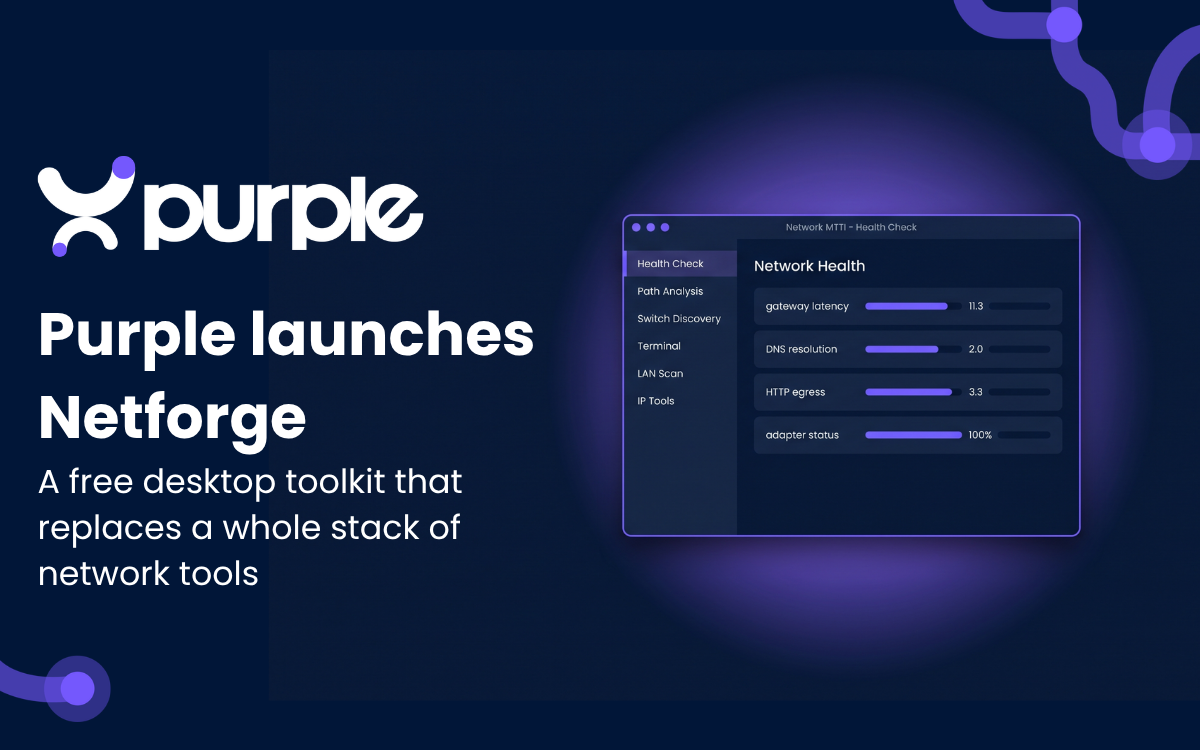
Purple has launched the Netforge WiFi toolkit, a free set of 19 browser-based utilities for engineers planning, deploying and troubleshooting wireless networks. The pitch is straightforward: put the routine checks that often live in paid apps, terminal snippets and scattered open-source pages into one console that runs without an account and retains no data.
For WiFi and IT engineers, that no-login, local-only model is the interesting part. Purple says the tools run in the browser and store nothing, which means an engineer working from a client site or a secured network can run checks without first sending site details to a third-party service or creating another vendor account.
What is the Netforge WiFi toolkit?
Netforge is a browser-native networking toolkit for common WiFi, IP, DNS, connectivity, security and utility tasks. It is designed to give plain-language results for quick checks while still producing more detailed outputs for network teams working through deployment or support issues.
The toolkit spans six categories: IP addressing, DNS, WiFi deployment, connectivity, security and general utilities. Purple lists the available tools as including subnet calculation, VLSM design, multi-tenant iPSK subnet design, access point calculation, WiFi channel planning, DNS record and propagation lookups, browser-based speed, latency and jitter tests, SSL certificate checking, MAC randomization simulation, password generation, QR code creation and hashing utilities.
That set will sound familiar to anyone who has kept a folder of browser bookmarks for “quick” network work. Subnet calculators answer how address space should be divided. DNS lookups show how records resolve and propagate. RF and access point planners help estimate channel and capacity choices before hardware goes on a ceiling. Latency, jitter and certificate checks are the kind of small tests that decide whether a problem belongs to WiFi, WAN, DNS, TLS or the application someone is blaming anyway.
How Netforge fits into existing WiFi stacks
Netforge is vendor-agnostic and is meant to sit beside networks using Cisco Meraki, HPE Aruba, Ruckus and Juniper Mist gear, according to Purple. That makes it more of an engineering bench tool than a controller, monitoring suite or replacement for a WLAN vendor’s management plane.
The Netforge browser-based WiFi toolkit comes from the same team that builds Purple’s guest WiFi, captive portal and location analytics products. Purple describes itself as a WiFi SaaS company and certified B Corp.
Alex Mumford, a support and systems engineer at Purple and the lead developer on Netforge, said the goal was to reduce the number of separate tools engineers keep open and make the same interface useful to both technical and non-technical users. In his description, general users get readable checks, while IT teams can pull more detailed reports when they are diagnosing issues.
Netforge is available now at no cost. Purple says it does not require sign-up and does not retain user data.